
Native Integration Brings Seamless Governance and Security to AI Applications
For years, the story of enterprise AI has followed a predictable storyline: a promising use case receives approval, a development team builds something impressive, and then the project stalls. The reason is not that the technology failed, but rather that compliance could not keep up. Security reviews, data classification requirements, audit trails, retention policies, and governance work consistently take longer to complete than the actual development.
Microsoft recently announced native integration between Foundry and Purview, and for IT and security leaders who have been watching AI adoption intersect with compliance requirements, this is a development worth paying attention to.
What's Actually Changed
Read More
Overview
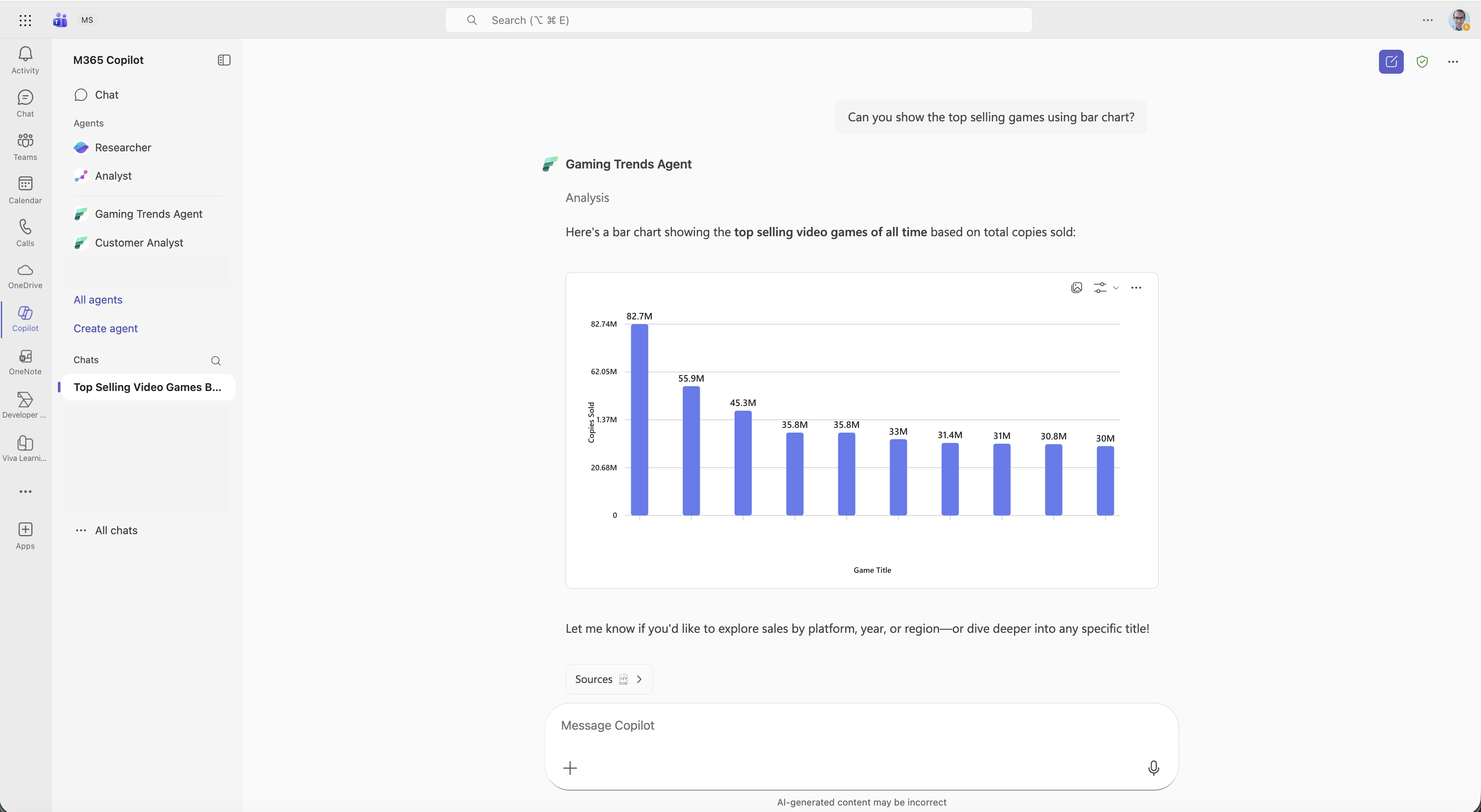
Microsoft Fabric has been steadily transforming the data landscape with its unified analytics platform. One of its most powerful components, Fabric Data Agents, enables organizations to automate data workflows, orchestrate pipelines, and manage complex data operations with ease. Now, with these Data Agents being consumed into Microsoft 365 Copilot, the game changes entirely. This integration bridges the gap between enterprise data and everyday productivity tools, making insights more accessible and actionable than ever before.
More than 28,000 customers are already leveraging Microsoft Fabric, including 80% of the Fortune 500. This adoption underscores the trust and scale behind the platform and now, bringing that capability into Copilot amplifies its impact across the enterprise.
Key Points
Read More
Overview
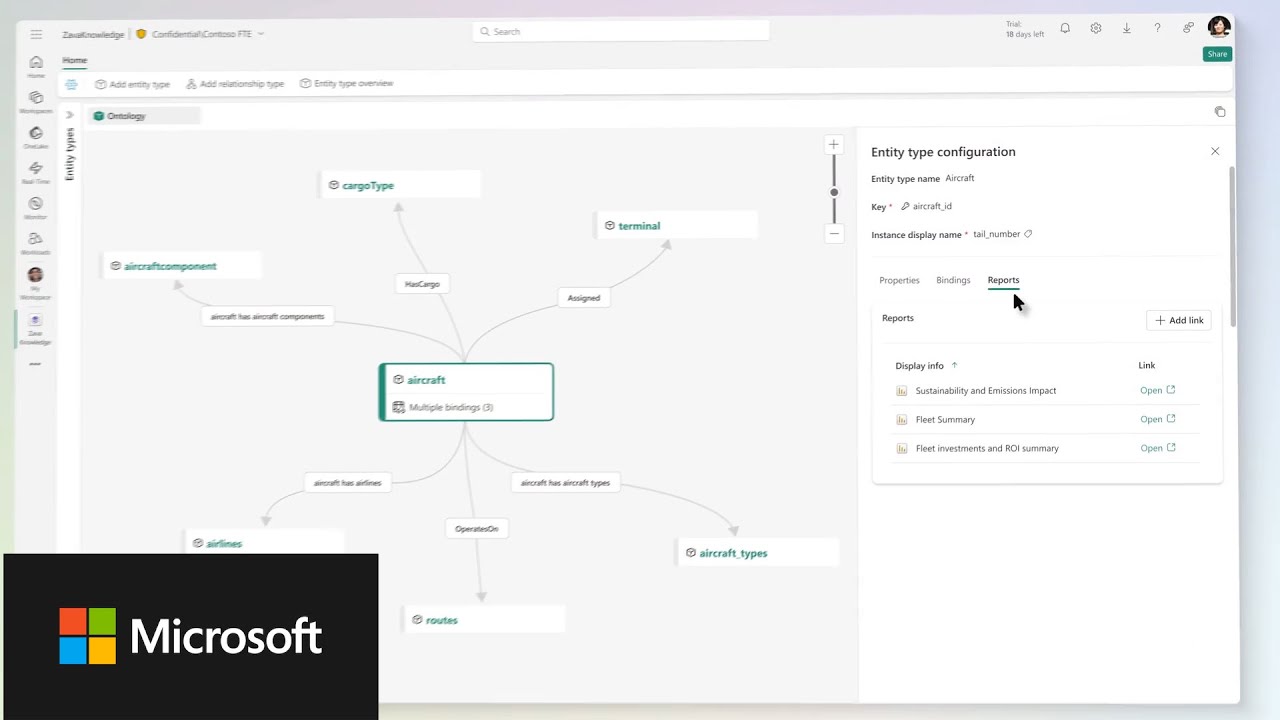
At Microsoft Ignite last week the company unveiled a bold vision for enterprise AI: moving beyond isolated copilots and chatbots toward a unified, agentic architecture. Central to this strategy are three interconnected intelligence layers: Work IQ, Fabric IQ, and Foundry IQ, designed to make AI agents context-aware, business-savvy, and governable at scale. These layers form the backbone of Microsoft’s approach to creating “Frontier Firms,” organizations that embed AI into every workflow while maintaining security and compliance.
The challenge Microsoft aims to solve is clear: large language models alone aren’t enough. Enterprises need systems that understand how work happens, interpret business meaning, and retrieve knowledge safely. Work IQ, Fabric IQ, and Foundry IQ deliver exactly that.
Read MoreOverview
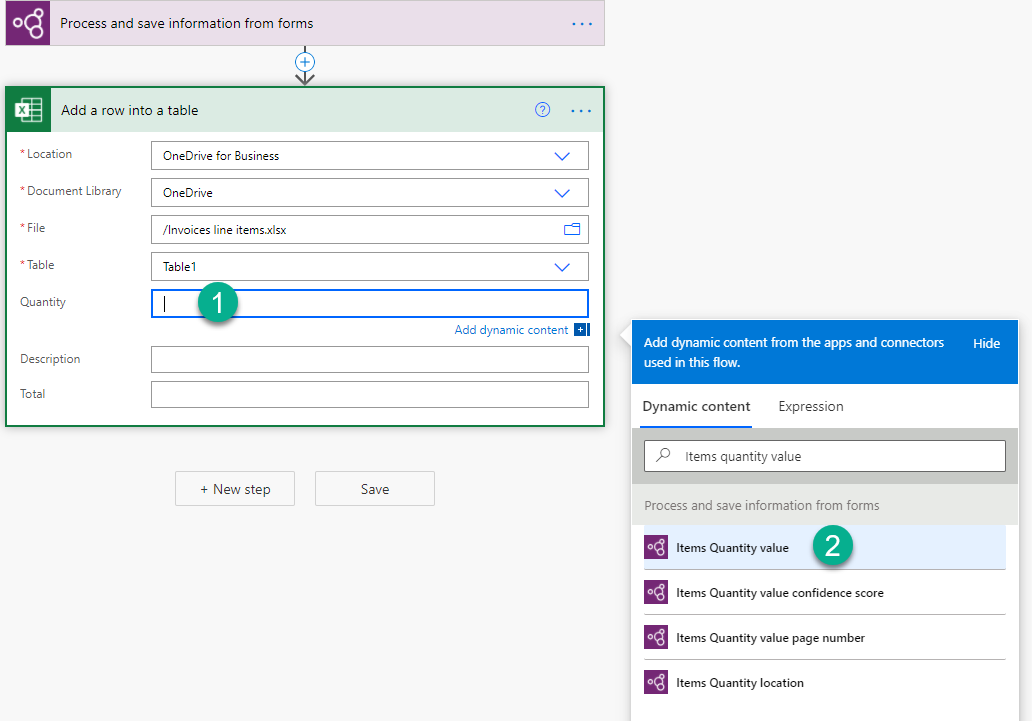
In today’s rapidly evolving digital landscape, artificial intelligence (AI) is no longer just a buzzword. It’s a transformative force reshaping how businesses operate, innovate, and engage. With all the excitement around generative AI, large language models, and intelligent agents, it’s easy to feel overwhelmed or unsure where to begin. But making a meaningful impact with AI doesn’t always require adopting a brand-new tool or building a chatbot from scratch. Sometimes, the most powerful changes come from enhancing the automation you’ve already been using for years. That’s where Microsoft Power Automate steps into the spotlight.
Overview: Power Automate as an AI Enabler
Read More
Overview
Microsoft Copilot Studio enables organizations to build conversational AI agents that integrate with Microsoft 365 and external data sources. For U.S. government customers operating in the GCC High environment, Copilot Studio offers a similar licensing model as the commercial cloud. However, setup and integration differ due to compliance and security requirements.
This article outlines how to get started with Copilot Studio in GCC High, including licensing options, deployment architecture, authentication setup, and best practices for scalability.
Licensing: Packs vs. Pay-As-You-Go
Read MoreOverview
Microsoft Copilot Studio is a powerful, low-code platform designed to help organizations build intelligent AI agents that automate tasks, answer questions, and enhance productivity across various business scenarios. Whether you're a developer, IT admin, or business user, Copilot Studio offers a flexible environment to create agents using natural language, visual workflows, and integrations with enterprise data sources.
Agents built in Copilot Studio can perform a wide range of functions. These include customer support, internal help desks, sales assistance, and public health information. These agents leverage generative AI and language models to understand user intent and respond with relevant information or actions. The platform supports both alite experience (integrated into Microsoft 365 Copilot) and a full experience (standalone web portal). This allows users to choose the right level of complexity and control for their needs.
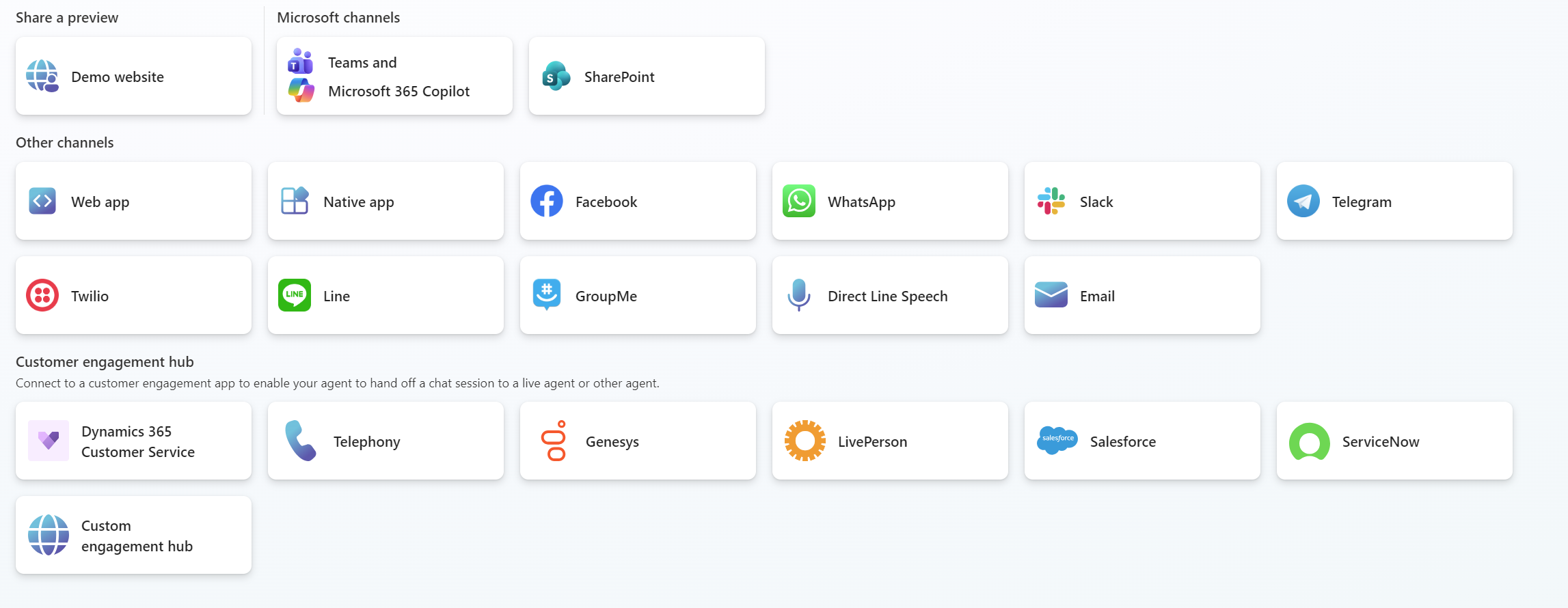
What Are Channels in Copilot Studio?
Read MoreOverview
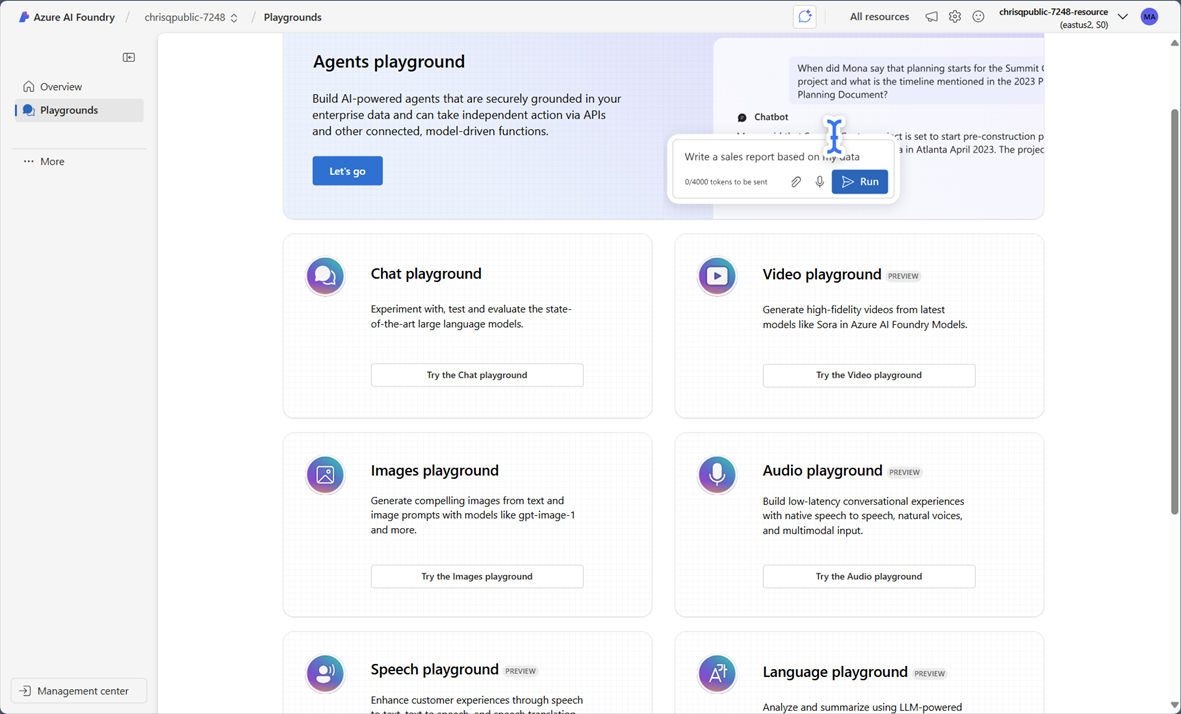
Welcome to Azure AI Foundry, where artificial intelligence doesn’t just live, it thrives, flexes, and occasionally shows off. If you’ve ever wanted to build apps that talk, see, read, translate, and even judge your content choices, this is your playground. Azure AI Foundry is Microsoft’s curated suite of AI services designed to supercharge your applications with intelligence that is as scalable as it is sophisticated.
Whether you're building a chatbot that flirts with sarcasm or a vision model that spots a cat in a haystack, Azure AI Foundry has the tools to make it happen. It is cloud-native, enterprise-ready, and developer-approved.
The AI Dream Team: Services in Azure AI Foundry
Here’s the lineup of services that make Azure AI Foundry the T-Swift of cloud AI platforms:
Read MoreOverview
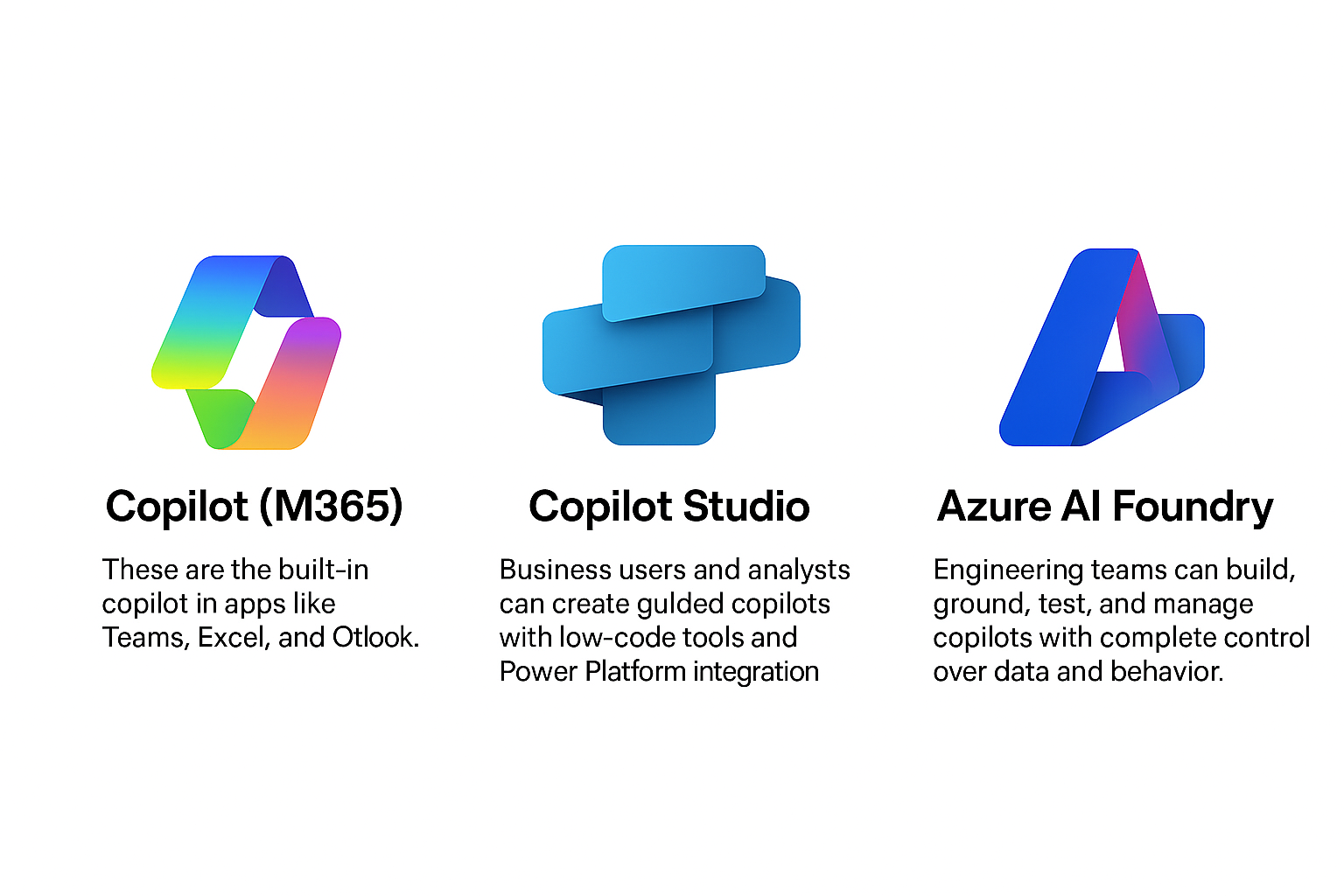
As AI becomes increasingly embedded in the modern workplace, Microsoft has introduced a suite of tools designed to empower users at every level of technical expertise. Among these are Copilot, Copilot Studio, and Azure AI Foundry. Each serves a distinct purpose in the AI development and deployment lifecycle. Understanding the differences between these tools is essential for organizations looking to harness AI effectively and strategically.
Copilot (M365): Built-In Intelligence for Everyday Users
Read MoreOver 50% of all IT budgets moving forward will be allocated to AI, with 60% of IT time dedicated to focusing on it. Is your IT team prepared for this significant shift in the IT landscape? Balancing support for current applications while building a future-ready platform is critical. But how can you ensure the significant investments you’re making now won’t need to be repeated in just a few years?
Legacy storage just can’t handle modern demands. It wasn’t designed for hybrid, AI-driven operations. The result? Gaps in performance, security, and cost control that put your business at risk.
Read MoreSubscribe to Daymark Insights
Latest Posts
Browse by Tag
- Microsoft (90)
- Cloud (70)
- Cole Tramp's Microsoft Insights (62)
- Azure (55)
- Security (49)
- Data Protection (45)
- AI (41)
- Microsoft Fabric (41)
- Data Governance (39)
- Partners (33)
- Compliance (32)
- Data Center (30)
- CMMC (28)
- Backup (26)
- Daymark News (23)
- Storage (22)
- GCC High (19)
- Veritas (18)
- Virtualization (18)
- Cybersecurity (17)
- Government Cloud (17)
- Azure AI Foundry (16)
- Featured Gov (16)
- Copilot (15)
- Disaster Recovery (15)
- Cloud Backup (14)
- Managed Services (13)
- Industry Expertise (9)
- NIST SP 800-171 (8)
- Hybrid Cloud (6)
- Networking (6)
- Power BI (6)
- Pure Storage (4)
- AI for Defense (3)
- Cloud Security (3)
- Everpure (3)
- Reporting (3)
- Services (3)
- CMMC 2.0 Requirements (2)
- GDPR (2)
- Microsoft Purview (2)
- Apple (1)
- FedRamp AI (1)
- Mobile (1)
- Power Automate (1)